The differences at a glance
| What do you need? | VoxFrame Simple | Player Pro |
|---|---|---|
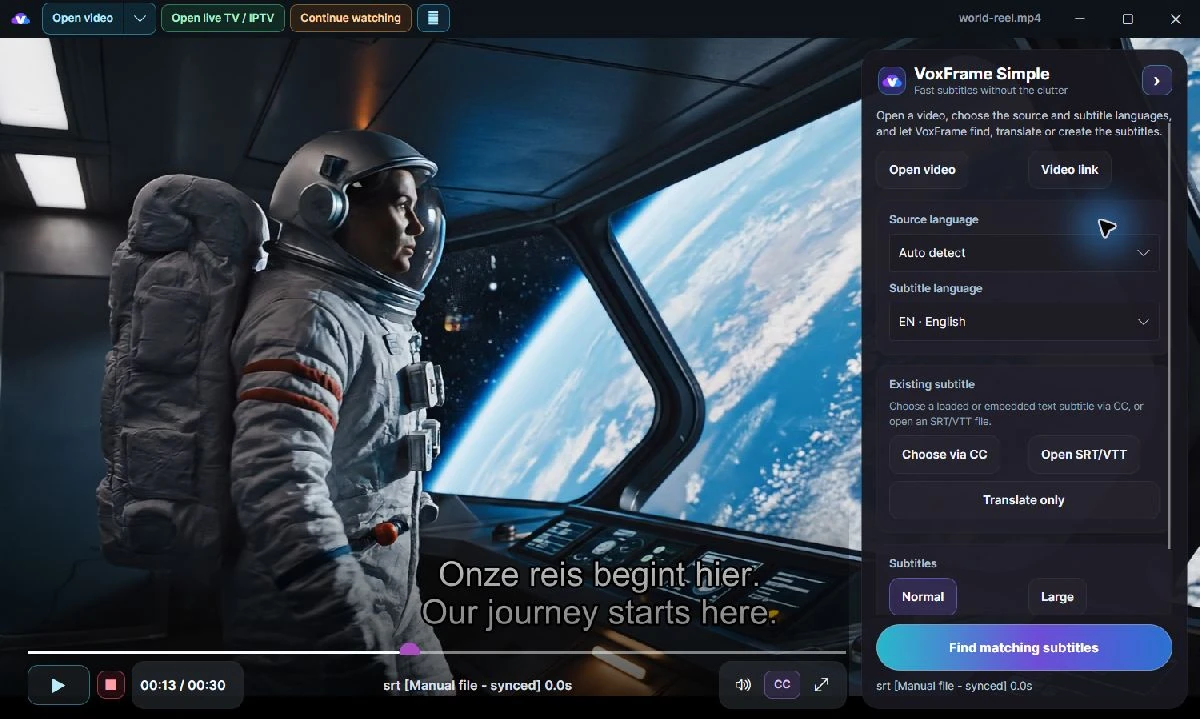
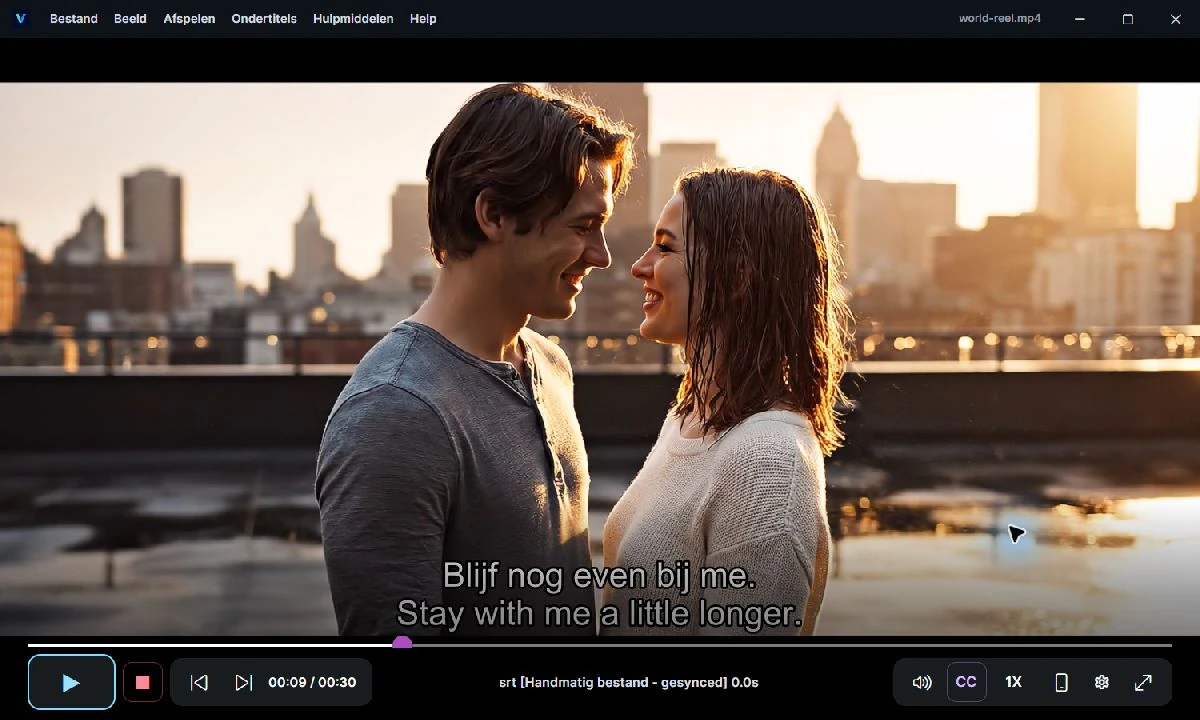
| Controls | Guided video, subtitle and language choices. | More detailed menus and settings. |
| Search and translation | Simple Cloud; no personal API key or OpenSubtitles login. | Separate provider and Cloud routes with more control. |
| Local transcription | Choose base, small or large-v3-turbo with PC advice. Download the model in Settings first. | Local transcription with more detailed settings. Online sources and provider features still need internet. |
| Other screens | Focused on playback in the Windows app. | LAN Watch and a separate Chromecast route. |
| License | An independent Simple key and paid plan. | A separate permanent Player License or temporary Pro use with active Cloud access. |
| Purchase | The VoxFrame Simple checkout page. | The VoxFrame Player and Cloud checkout page. |
Choose Simple to open a video and start watching
You want to open a video, choose a subtitle language and find or translate matching subtitles. You do not want to configure an API key or OpenSubtitles login and do not need detailed Pro menus.
Simple offers a one-month pass without automatic renewal, a recurring monthly plan and an annually prepaid recurring plan. Current bundles include 150 complete subtitle-file translations, 500 minutes for subtitles on your own lawful IPTV/live sources and a separate 500 Cloud model transcription minutes per usage month. This is a subtitle allowance, not a channel package. The bundle shown at purchase and in the account takes precedence.
View current Simple prices and allowances →
Choose Pro for more control
Choose Pro if you want to configure subtitle actions and providers, check timing, export results or watch through LAN Watch or Chromecast.
A separately purchased Player License remains permanent. Cloud is separate and optional. If you buy Cloud access alone, the included Pro access lasts for the active Cloud period. A permanent Player License you already own does not expire when Cloud ends.
Pro shows three distinct Cloud balances: OpenSubtitles credits, transcription minutes and translation minutes. Translation and transcription do not share one balance. Check the selected plan for current allowances and prices.
Understand the balances in Pro →
Purchase, download and activation are separate
You can download the official installer without buying immediately. That does not automatically include paid features or unlimited Cloud. Purchases take place on the secure VoxFrame website, not inside the player.
Product pages show base prices excluding VAT. Checkout shows the definitive total before payment. For subscriptions, also check the duration and automatic renewal.
Simple and Pro have their own licenses and balances. A Simple plan does not activate Pro. At the shared account portal, sign in with the code and email address for the relevant product.
Which situation sounds like yours?
Want subtitles with as few settings as possible? Start with Simple. Want to choose providers, synchronization and export yourself? Consider Pro.
Want local features without a Cloud subscription? Consider Pro with a permanent Player License, while checking which individual functions still need an online provider.
Already have a Pro license and want Simple? Simple remains a separate product requiring its own plan and key. If one particular feature matters to your choice, ask VoxFrame Support before purchasing.
Continue with VoxFrame
Both buttons open the website, not a download. You can review the current options and final total before paying.